Shader Experiments

I created these shader projects as part of a class taught by Professor Charlie Roberts, where we learned about WebGPU and how to implement shaders in a web environment. The projects range from simple visual effects to more complex simulations, showcasing the capabilities of shaders in graphics programming. As someone who is very interested in the intersection of nature and technology, and who likes mixed media games and art, I quickly decided to try replicating natural phenomena like mold growth, fish swimming, and leaves blowing in the wind. I included snippets of code, images, and inspiration for each projects, as well as feedback and links to demos for playable versions of each project.

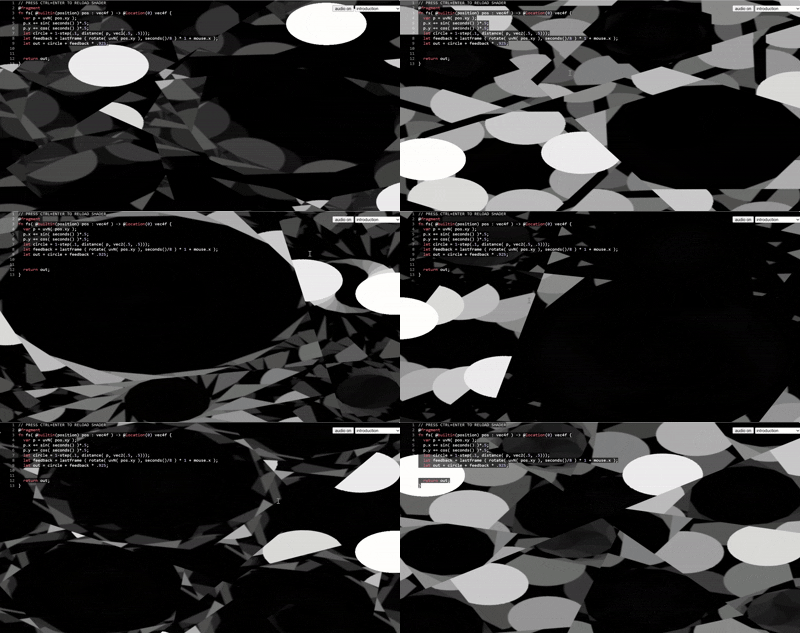
Livecoding on Schwartz
Scene

Concept:

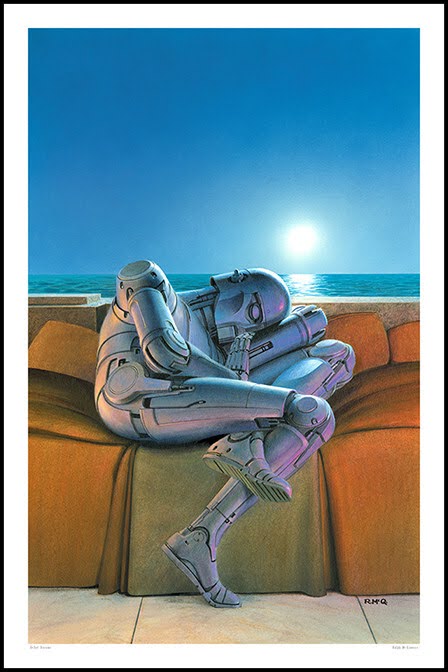
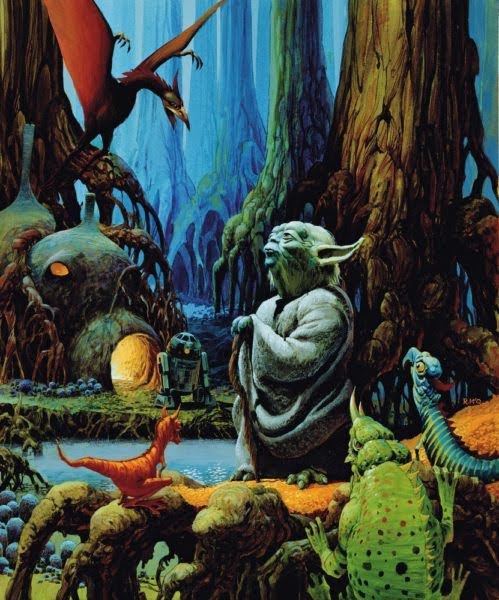
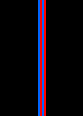
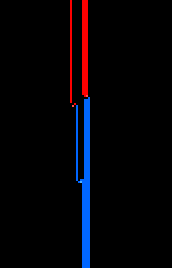
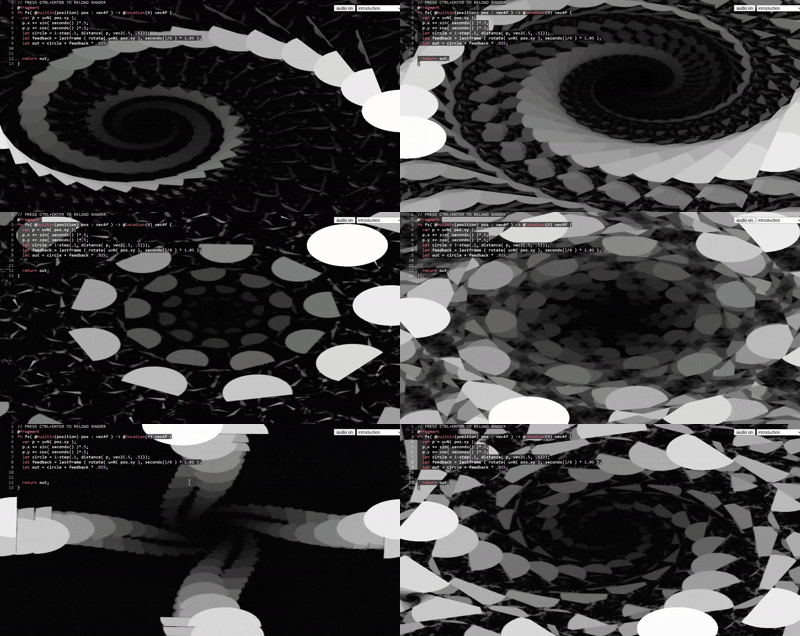
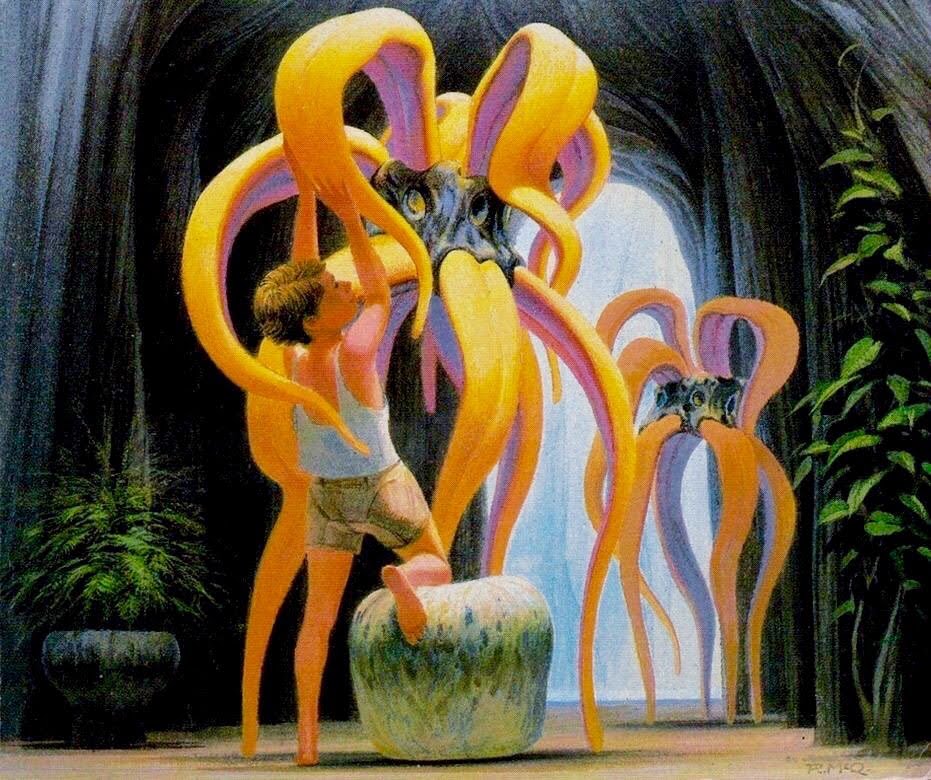
My idea for this project was based on retro feeling visuals and the bright, shadowless concept art from classic Sci-Fi artists like Syd Mead, Doug Chiang, Ralph McQuarrie, and Drew Struzan. I was also inspired by many of the computer visuals I have seen over the years.

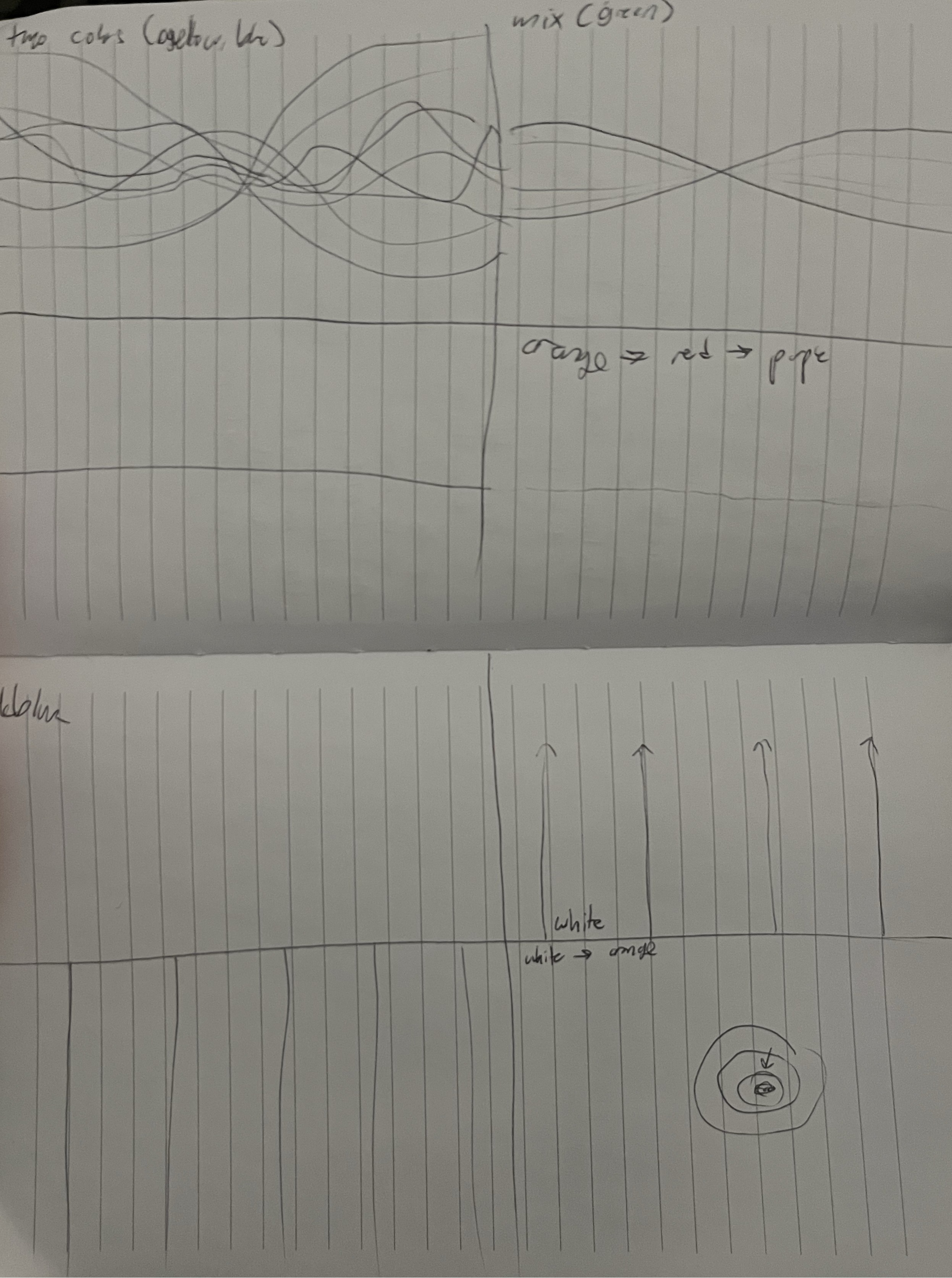
In the game I am concepting right now, the inspiration draws from the 60s-80s, and is intending on drawing together both natural and technical ideas in a post society spaceship like so many Sci-Fi classics. Because of this, I really wanted to find a natural flow while obviously using very technical visuals, so I chose to use waves because they feel natural. The colors I stuck with were pretty bright to mimic the saturated, shadowless art.

At the beginning, I wanted the visuals to mimic different gene strands coming together to make a new plant, which would be green, so I made the lines yellow and blue to combine to green. The orange background was then chosen to make those colors stand out. The second half of the visuals were supposed to be like a conmputer. At first I was attempting to have a blue background like a computer, with white vertical lines growing up from the bottom. When I couldn't get the visuals how I wanted, I wanted to make a similar visual but more technological, mimicing wires. I still wanted the blue computer screen background, so I made the wires red and white.

Experimenting:
Scene
Scene

Feedback:

"I like how it looks like the inspirations. Very nostalgic computer loading screen vibe. I would be cool if the waves moved more/had more waves."

Inspiration:
Spiral5PTL ↗
Image 1
Image 2
Image 3

Code Highlight: Animated Wave Feedback

let amp = sin(localTime * 3.14159) * 0.2;

let offset1 = sin(p.x * 8.0 + t * 4.0) * amp * 0.1;
let offset2 = cos(p.x * 8.0 + t * 4.0) * amp * 0.1;

let line1 = 1.0 - smoothstep(0.0, thickness, abs((p.y + offset1) - 0.5));
let line2 = 1.0 - smoothstep(0.0, thickness - 0.0005, abs((p.y + offset2) - 0.5));

let feedback = lastframe(uvN(pos.xy) * 1.00125);
let out = color * 0.125 + feedback.rgb * 0.875;
Gulls WebGPU Assignment

Concept:

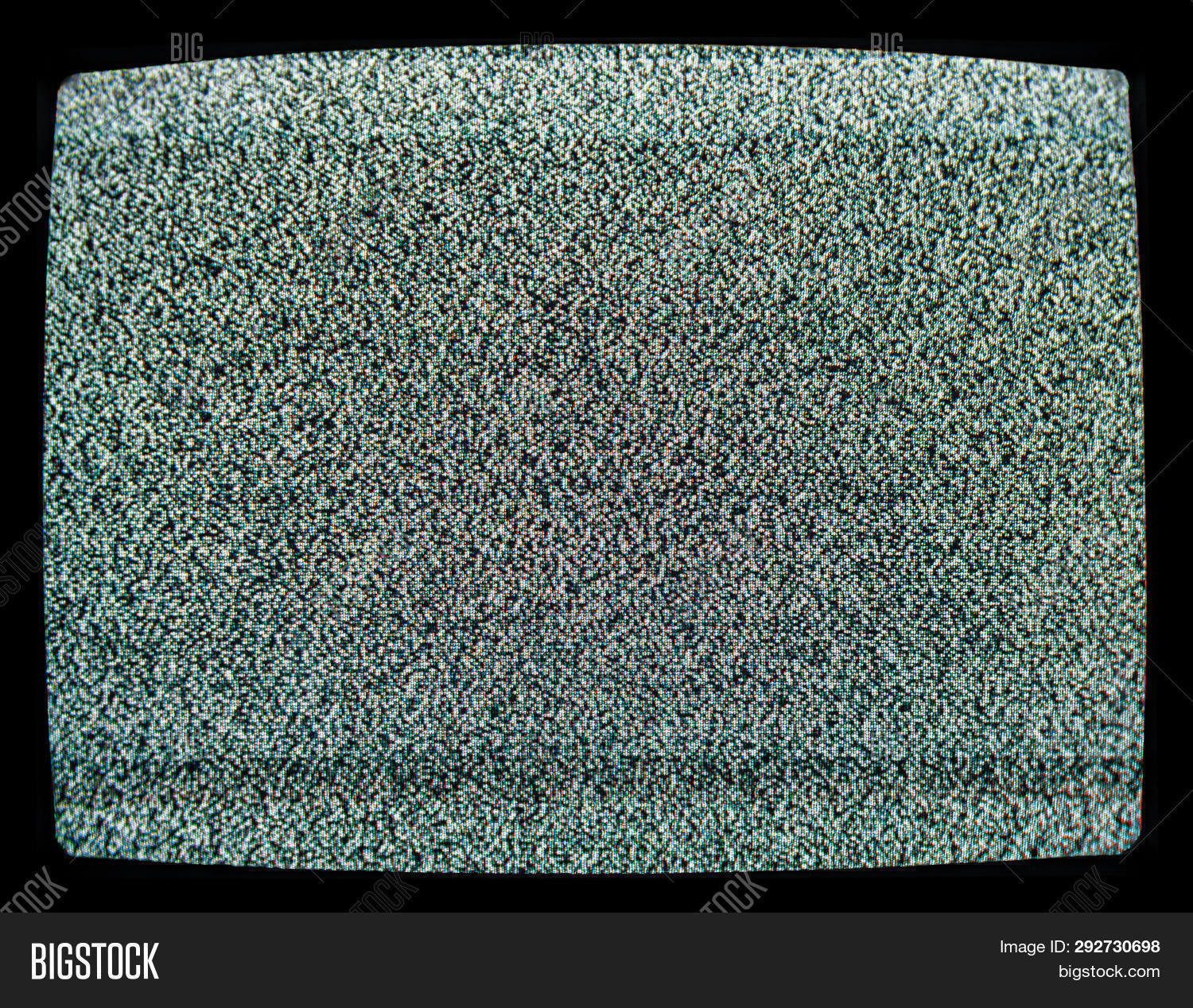
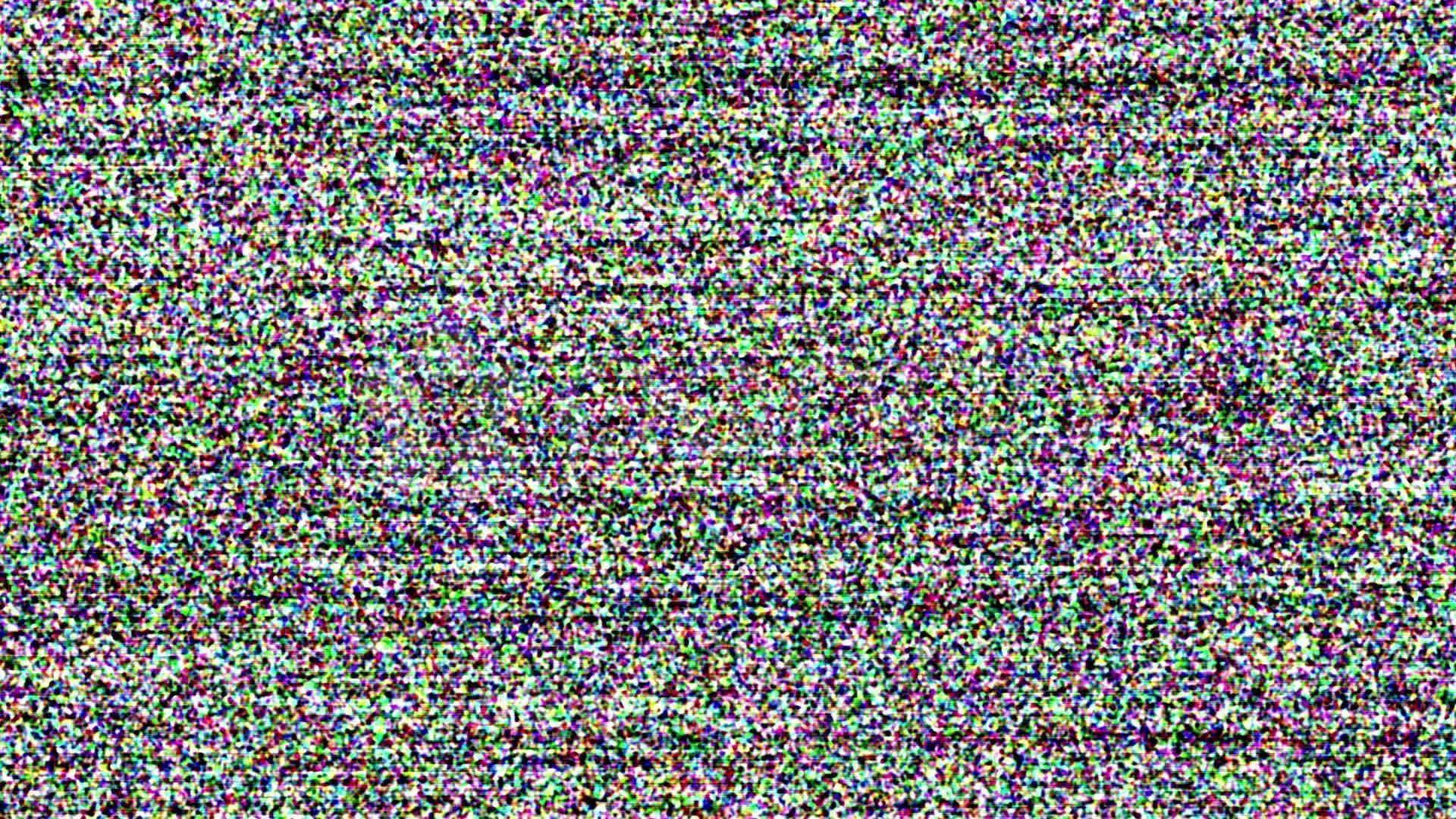
My idea for this was based on retro TV static, the lines and noise old or uncalibrated TVs give. I wanted to be able to layer that effect on webcam footage.

Looking at tweakpane examples, the black and white lines, when made very small, reminded me of old TV lines. I started with a set of black and white lines, then added noise. When it didnt have exactly the effect I wanted, I added noise to the lines as well (warp) and made both controllable, along with the amount and thickness of the current lines - although those have become a bit muddled now. Next step I added colors instead of just doing black and white, as blueish, greenish, and purplish hues looked more accurate. The default are a dark blue-green, and a dark purple. I incorporated the webcam stream, and then realize the cam was hard to see, so I added opacity for that as well.

Demo:

Old TV Demo

Feedback:

"Having fun messing with this, I had a similar idea. I like the tv look, but i feel like it could have more randomness and vertical movement. The lines could also become more zigzagged"

Inspiration:

Image 1
Image 2

Code Highlight: Noisy TV Stripes

let n = hash1D(uv.x * noiseFreq + uv.y * noiseFreq);

let y = fract((uv.y + n * noiseAmt) * lines);
let stripe = step(size, y) - step((1.0 - size), y);

let baseColor = mix(colorB, colorA, stripe);
let stripes = baseColor + vec3f(n * 0.15);
let finalColor = mix(camMix.rgb, stripes, opacity);

Particle Assignment

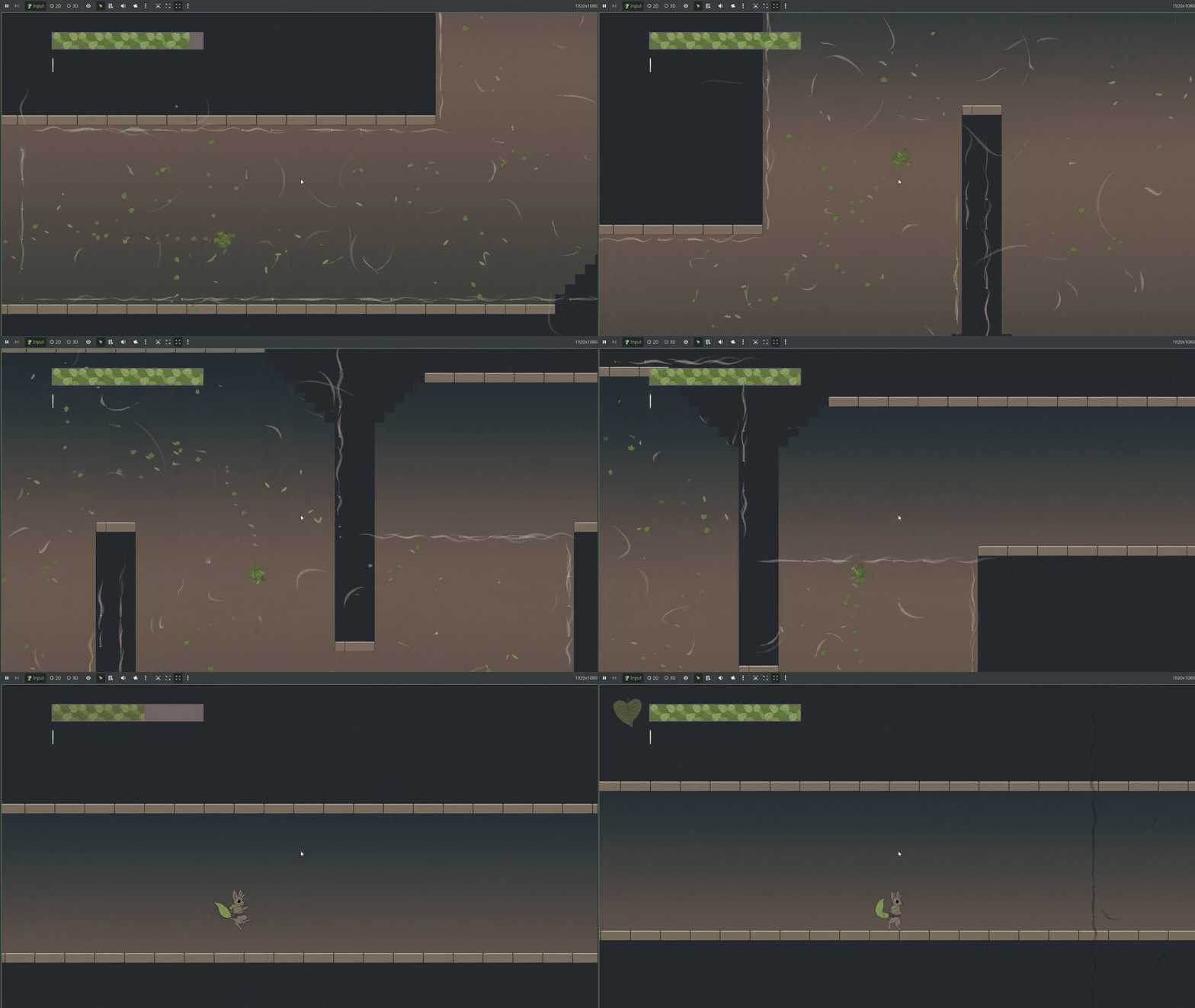
I have been seeing a lot of leaf style particles, especially in a student MQP called Leaves of Fate that uses leaf particles as a mechanic, where the player can turn into a cloud of leaves and move around. The leaves follow the player and trail behind. The player can move through grates and blow around in the wind to jump higher.

Additionally, I recently took a UI design class which I made an instagram ad in, and used falling leaves in my example. I thought, because of these examples, it may be fun to try to implement leaves that follow the mouse.

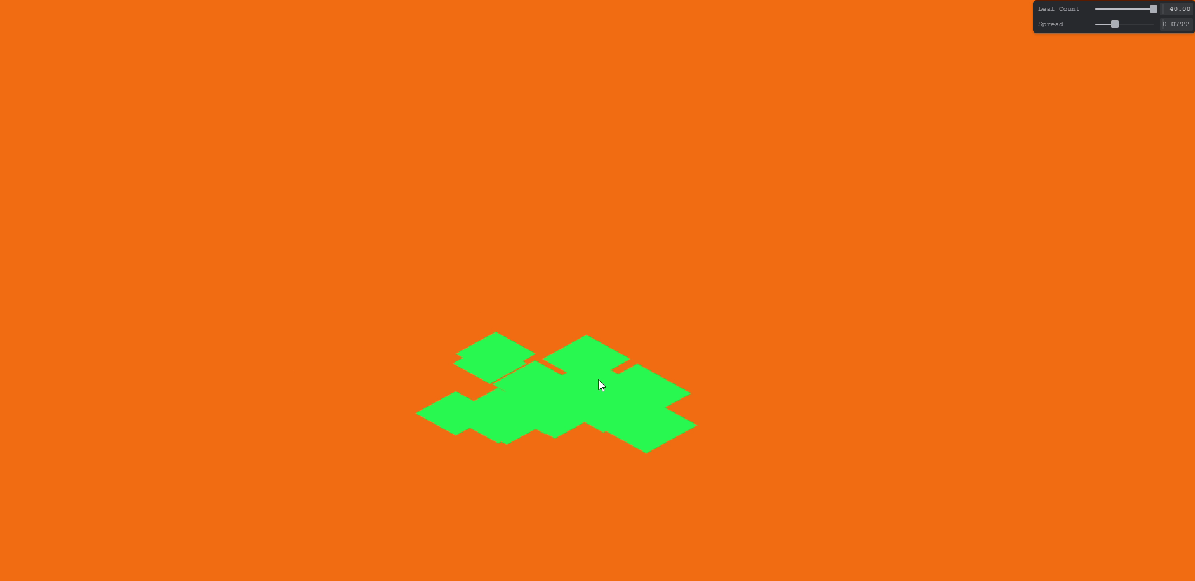
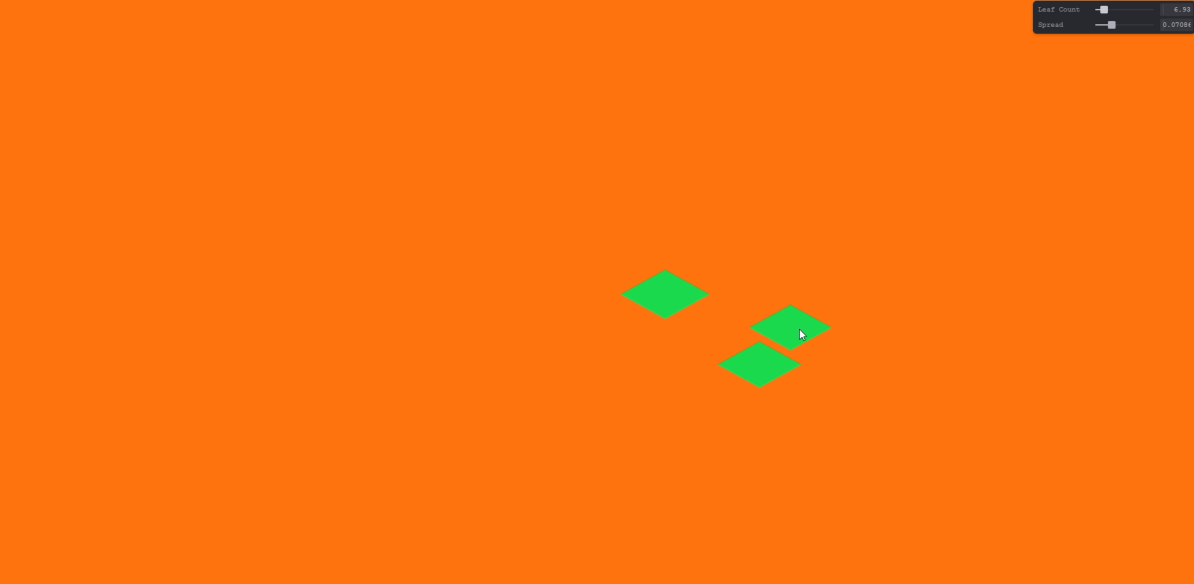
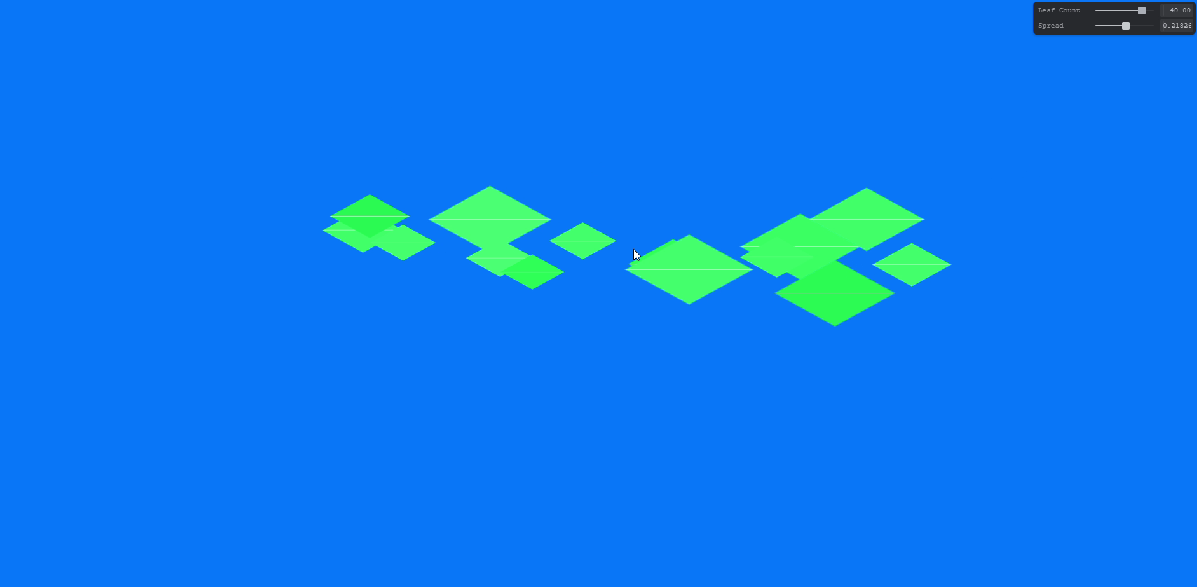
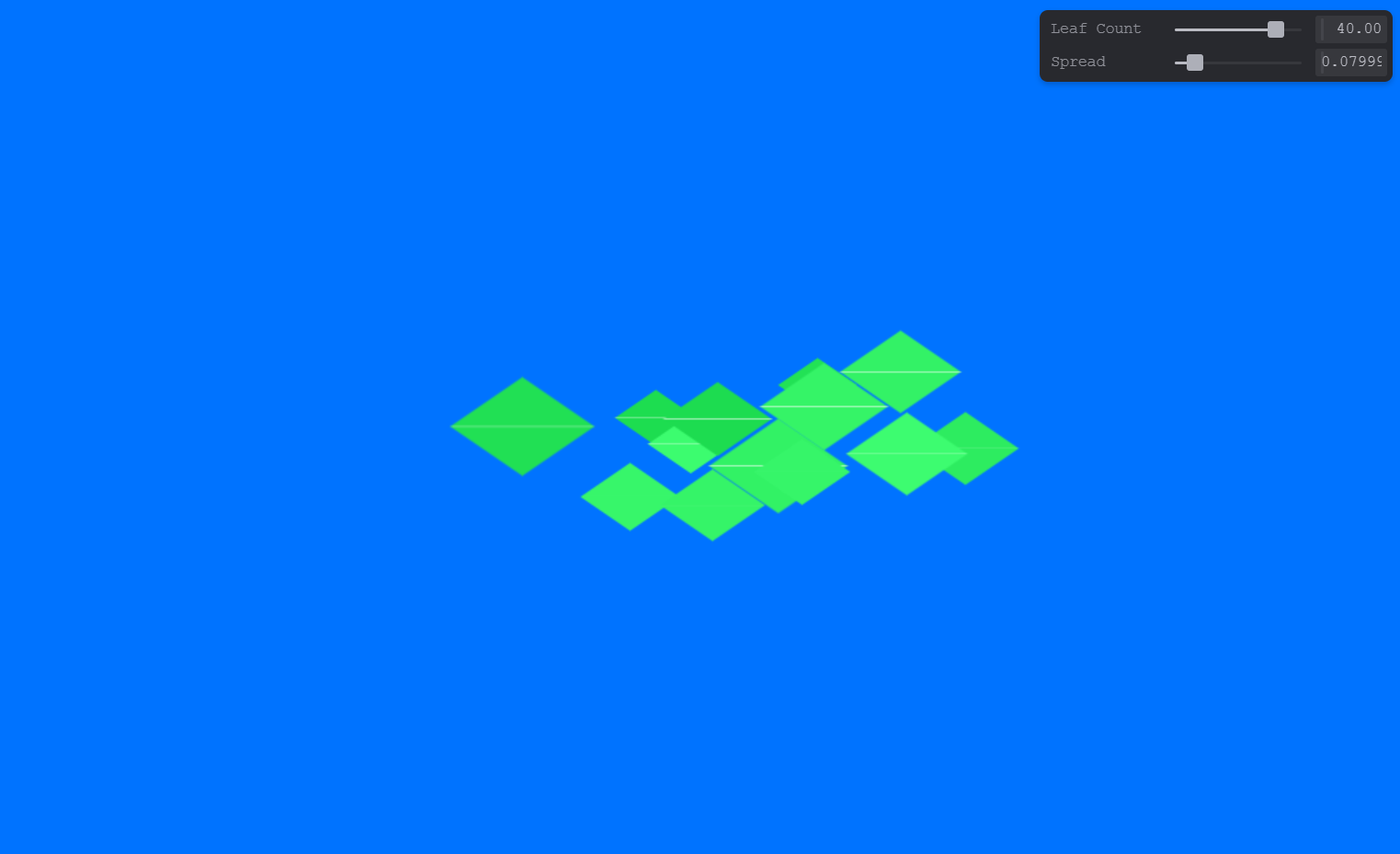
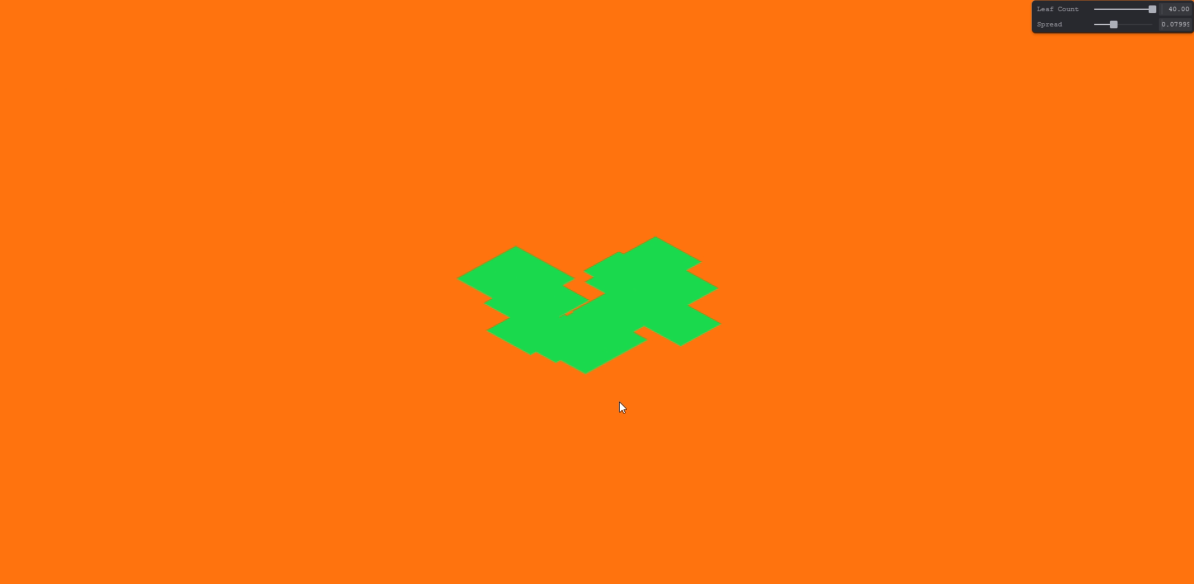
I created a bunch of diamonds that are different distances from the mouse. I then made it follow to mouse, although i accidentally implemented just one axis first. Once it worked properly, I added some variables. The player can change the amount of leaves present and the spread of how far they go. I then added a wiggle using a sin wave, and then added color variation and a leaf vein for a better look.

Demo:

Particle leaf Demo

Feedback

"Looks really good and I really like the wind tunnel look, I would love to see some verticle movement so it either has more of a blowing in the wind effect, or looks like a whirlwind of leaves like a wind tunnel."

Versions:

Image 1

Follows mouse on fixed line

Image 2

Follows mouse directly

Image 3

Change leaf amount

Image 4

Change distance

Image 4

Add color variation

Image 4

References:

Personal project for graphic design

Leaves of Fate example from Project Misfits MQP team

Image 4

Code Highlight: Mouse-Following Leaves

for (var i: i32 = 0; i < i32(leafCount); i++) {
  let leaf = leaves[i];

  let wiggle = vec2f(sin(mouse.x * 20.0 + f32(i) * 1.7), 0.0) * maxDistance;
  let rand = hash1D(f32(i));
  let center = mouse + leaf.offset + wiggle + vec2f(rand * 0.1, rand * 0.12);

  var p = uv - center;
  p = p / leaf.size;

  let mask = makeLeaf(p);
  let colorRand = rand / 7.0;
  let leafColor = vec3f(0.1 + colorRand, 0.85 + colorRand, 0.3 + colorRand);
  let leafShape = mix(color, leafColor, mask);
  let vein = smoothstep(0.02, 0.0, abs(p.y));
  color = mix(leafShape, vec3f(1.0), vein * 0.6 * mask);
}

Vants Assignment

Concept:

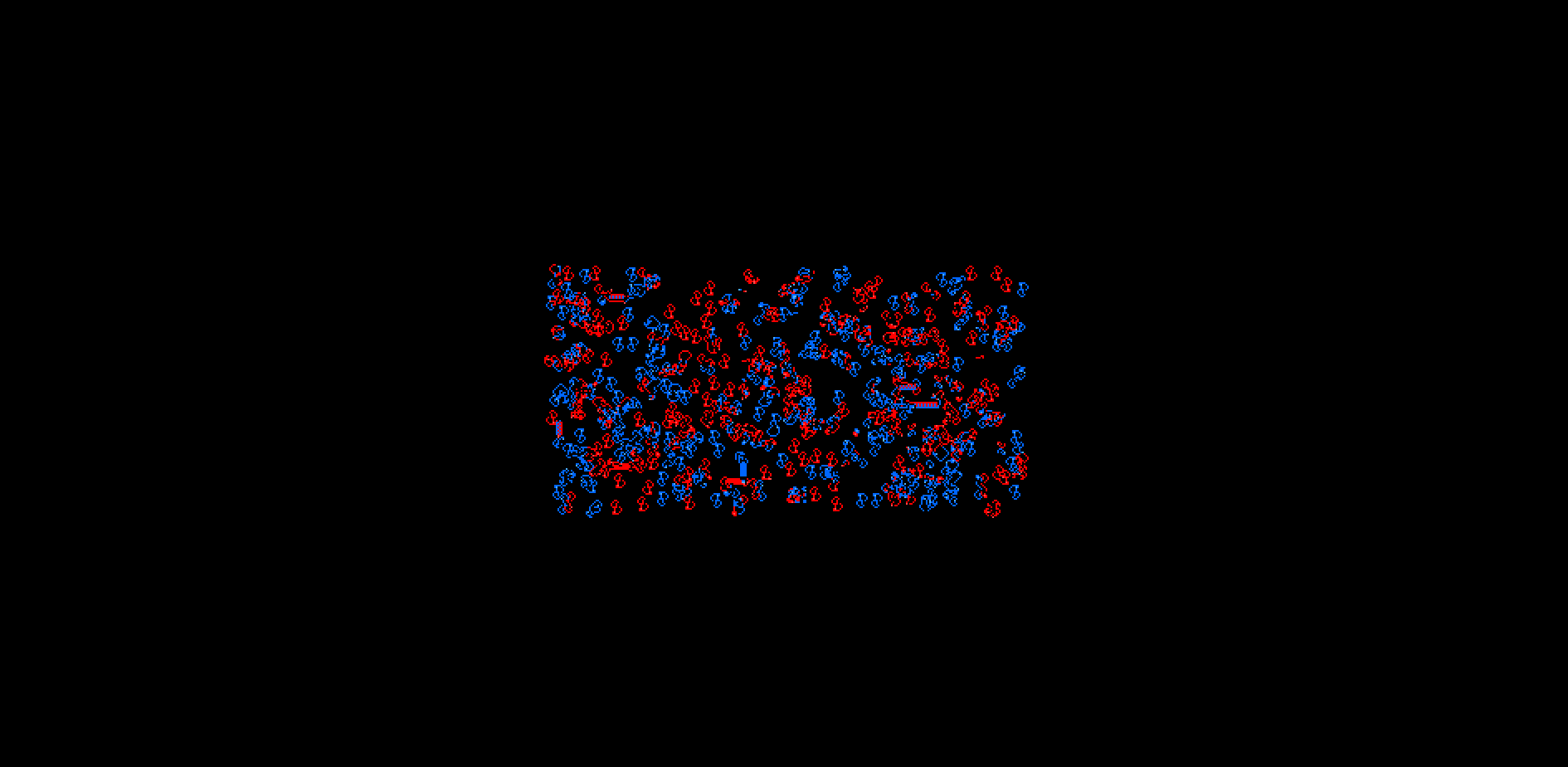
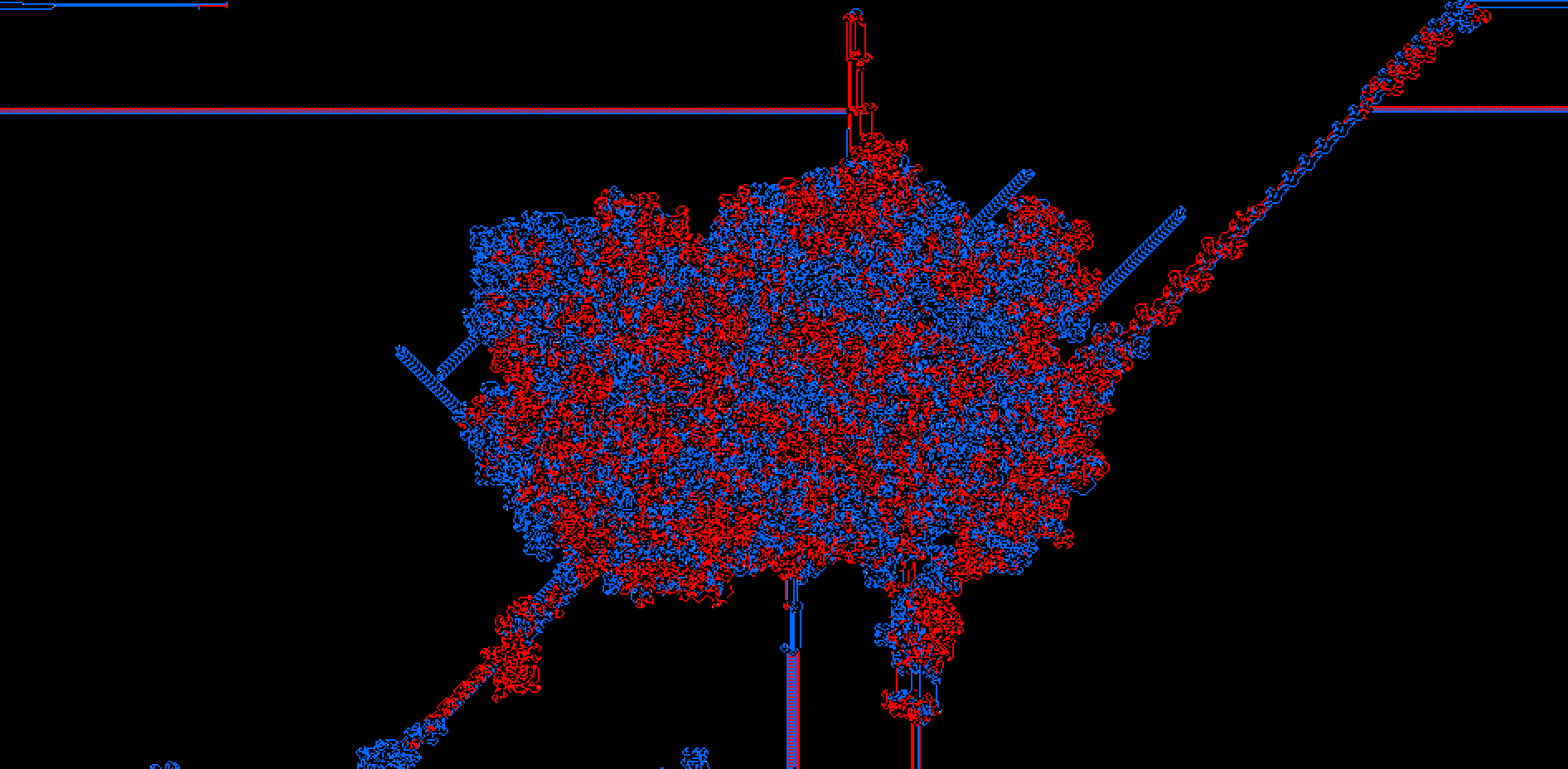
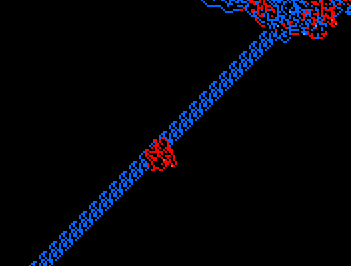
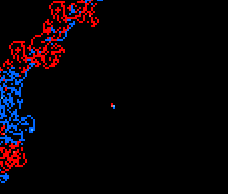
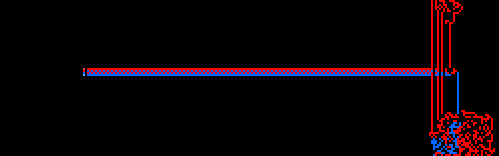
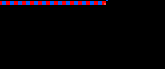
Using and existing vants algoritmn, I used the description of the algorithm in the video by adding a second set of ants. They other set operates in reverse of the first set, moving the opposite of the others when they sense and don't sense a trail of pheremones. To make sure they can interact, they follow the same array. One trail is red and the other is blue.

Demo:

Vants Demo

Progress:

Image 1

Base algorithm

Image 1

Two vants

Image 1

Reverse directions

Image 1

Two colors

Image 1

Added trails

Image 1

Running

Feedback:

"I love the colors you picked are awesome!! I like how overlapping they are I think the consentration in the middle really helps excentuate the stragglers"

Cool things that emerged in the algorithm:

Image 2
Image 3
Image 6
Image 7
Image 8
Image 10

Code Highlight: Agents Following Pheromone Trails

if (pheromoneA != 0) {
  vantA.dir += select(0.25, -0.25, vantA.flag == 0);
  pheremones[pIndexA] = 0.0;
} else {
  vantA.dir += select(-0.25, 0.25, vantA.flag == 0);
  pheremones[pIndexA] = 1.0;
}

let dirA = vec2f(sin(vantA.dir * pi2), cos(vantA.dir * pi2));
vantA.pos = round(vantA.pos + dirA);

Reaction Diffusion GPU Assignment

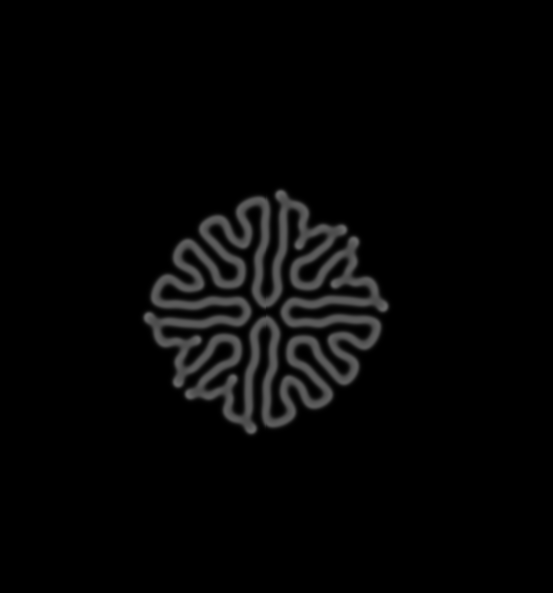
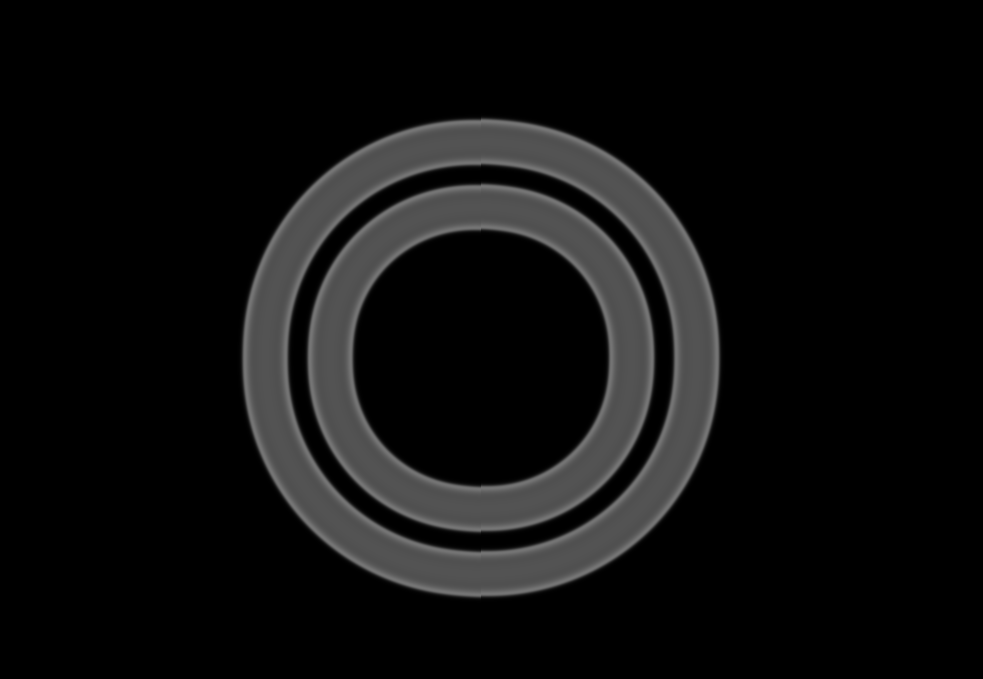
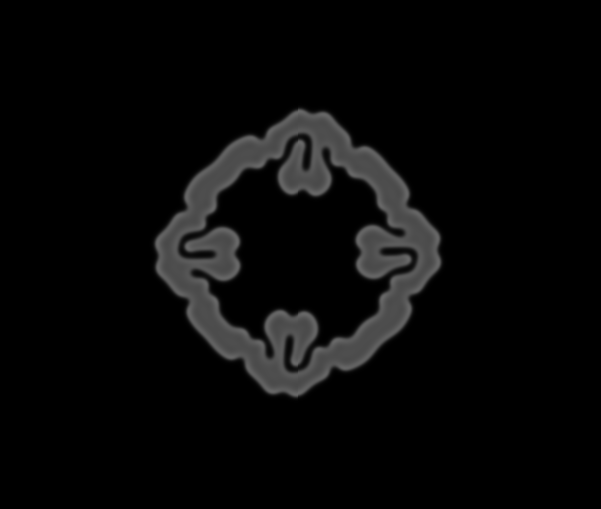
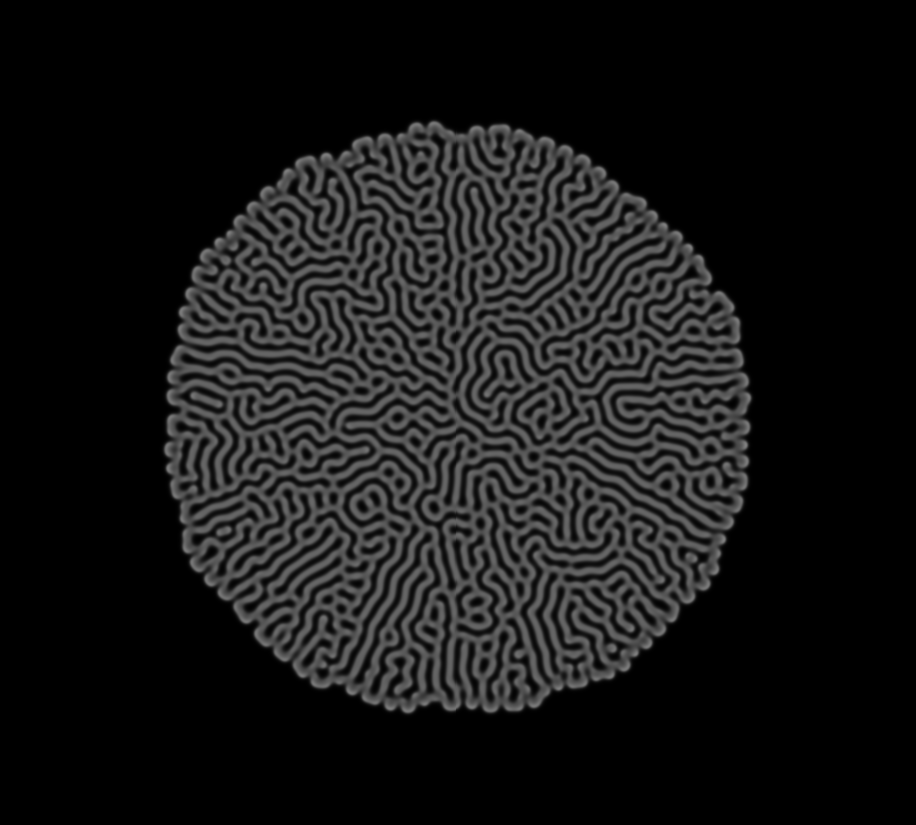
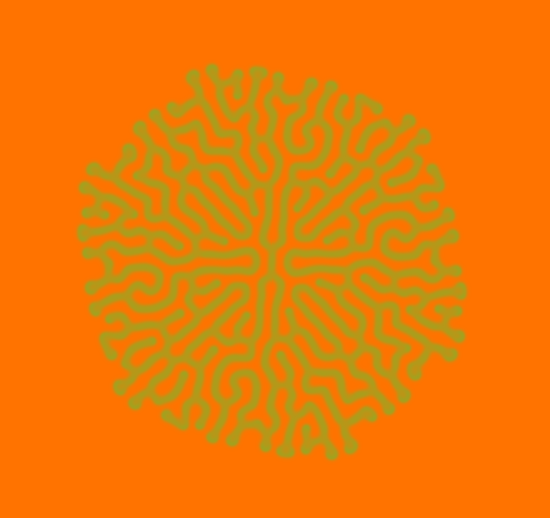
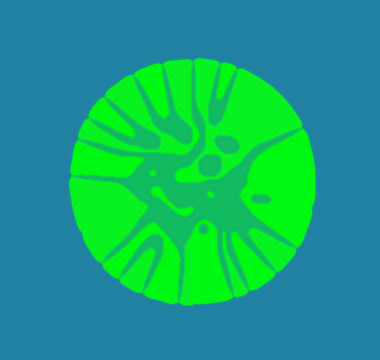
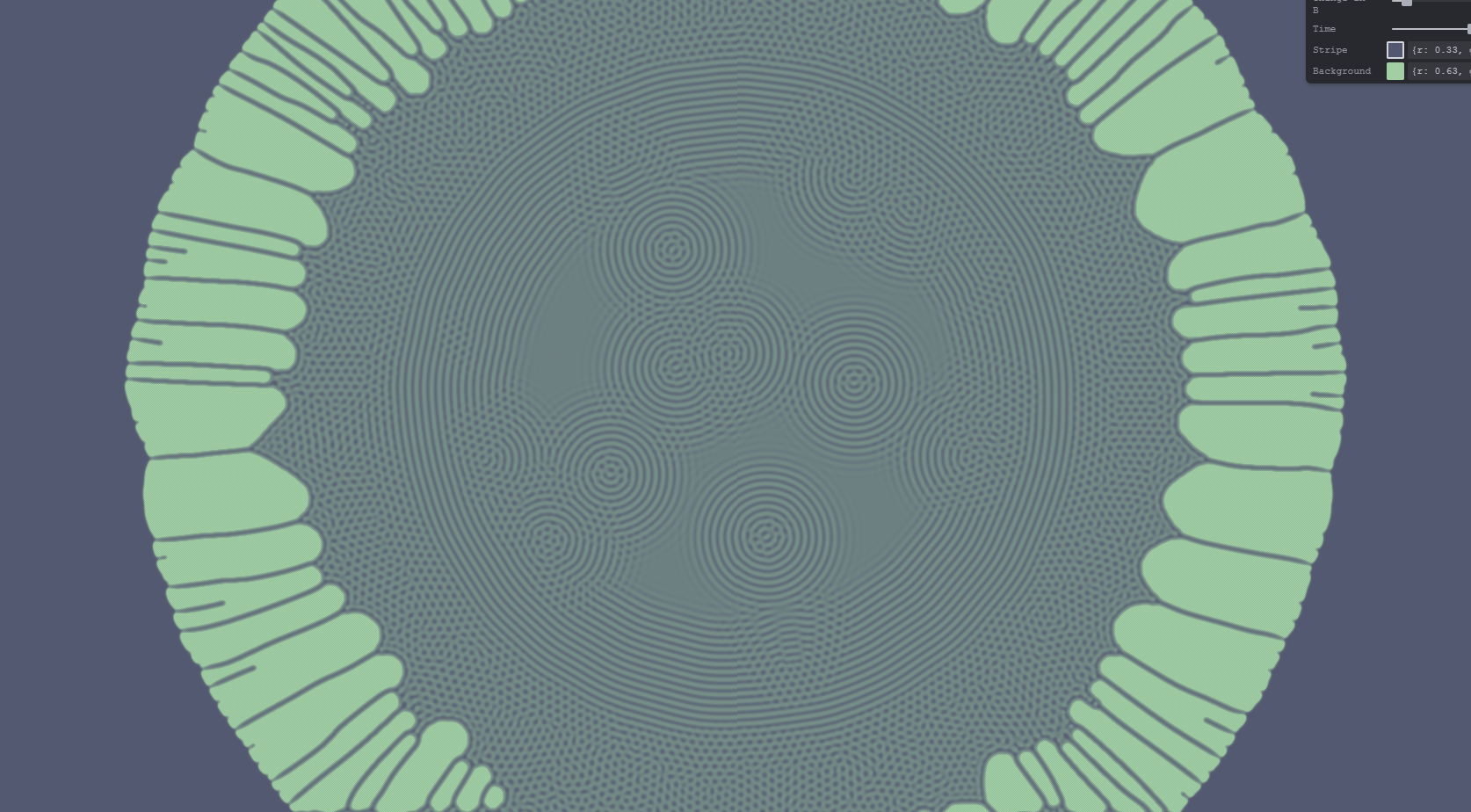
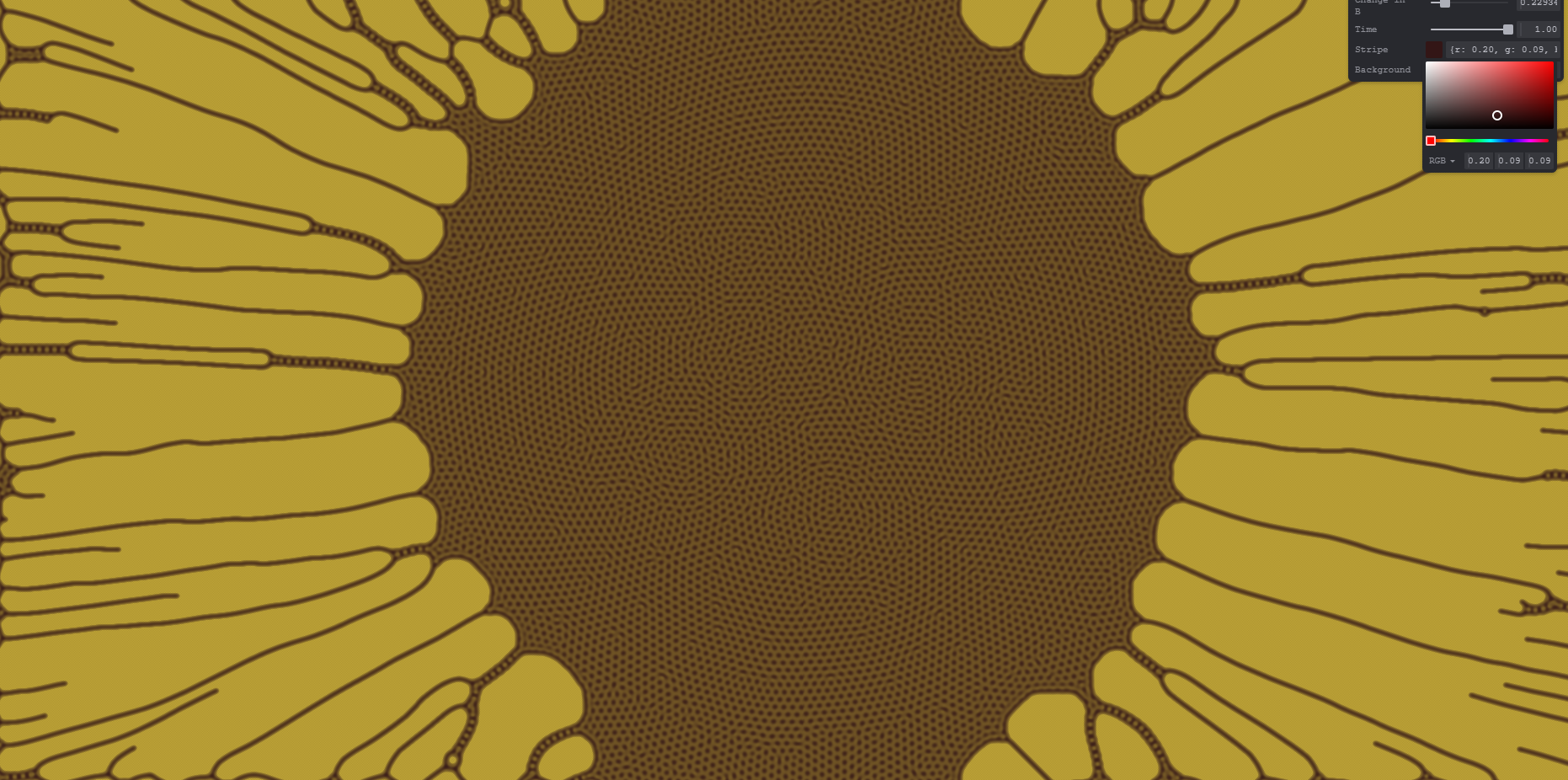
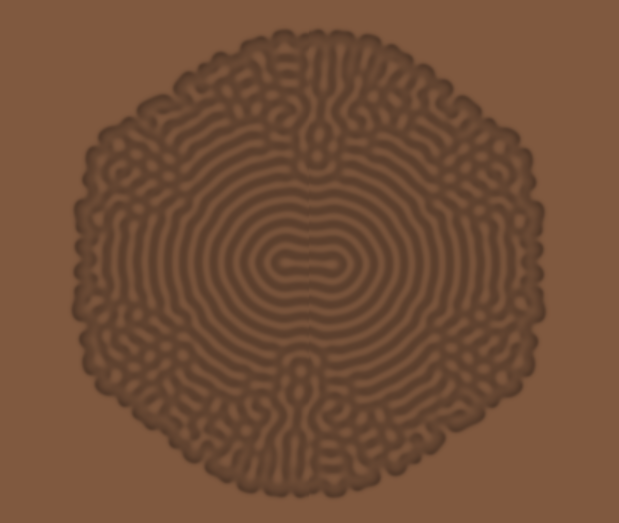
I love the look of the Reaction Diffusion algorithm, and I wanted to keep it mostly the same as a mold like natural growth that grows from the center. To do that, I wanted to be able to have both very retro, neon colors and natural mold colors. I added variability to all of the numbers in the algorithm so the user can experiment with ALL the elements of the algorithm.

I implemented the algorithmn, then added variables to dA, dB, kill, and feed. I then added it to time because things were moving too slowly. I then implemented color pickers to change both the background and growth colors so different effects could achieved. I tested them by making a bright retro visual, something to look like a mold growth, and a sunflower, all pictured below.

Demo:

Reaction Diffusion Demo

Versions:

Image 1
Image 2
Image 3
Image 4
Image 5
Image 6
Image 7
Image 8
Image 9

Feedback:

"Overall neat, your time works better than mine as mine accidentally scaled. it was interesting how reducing that would take away a lot of pigment from the actual diffusion, and then when it was put back up, a kind of like dew drop effect would happen. im interested in how that interaction happened"

Code Highlight: Gray-Scott Reaction Diffusion

let ABB = a * b * b;

let nextA = a + ((dA * lapA) - ABB + (feed * (1.0 - a))) * t;
let nextB = b + ((dB * lapB) + ABB - ((kill + feed) * b)) * t;

stateout[i].a = clamp(nextA, 0.0, 1.0);
stateout[i].b = clamp(nextB, 0.0, 1.0);

Final Project

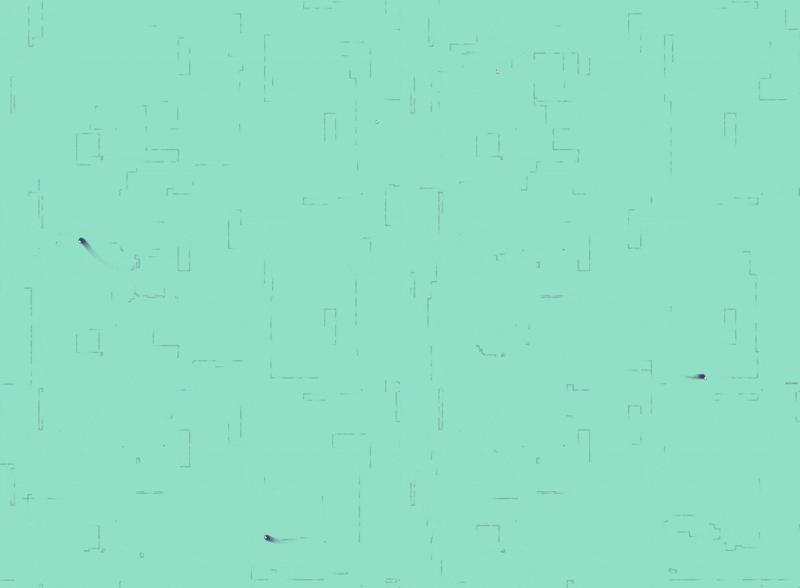
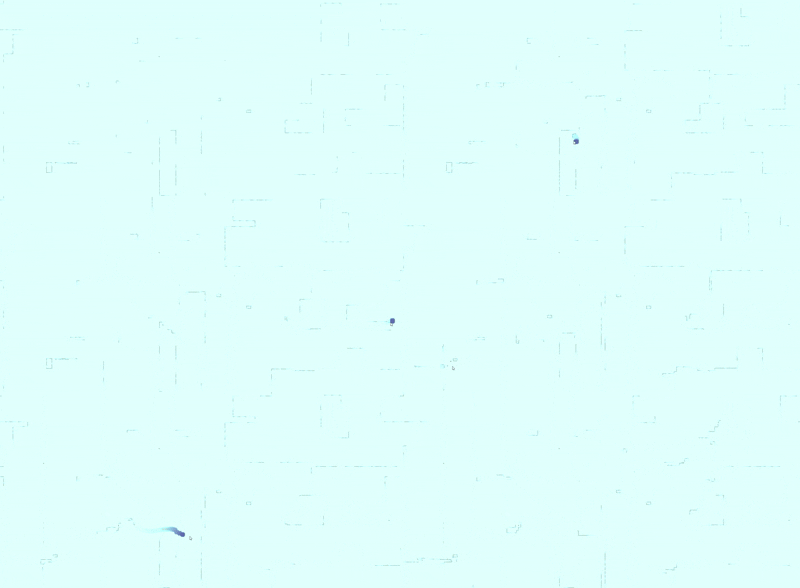
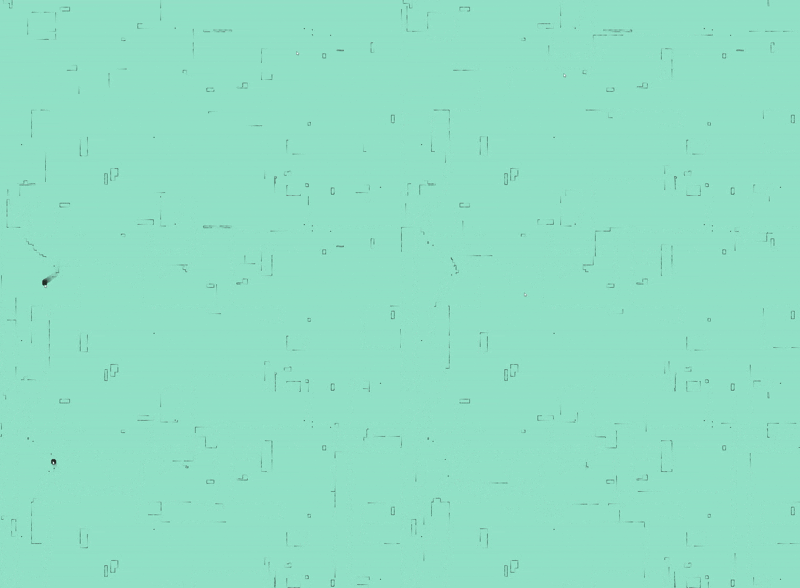
I was looking through the various algorithms recomended to me , and liked the idea of making a slime mold. I wanted to see if i could make it so each click, it started a new area of the colony that would interact with the existing mold. After, I wanted to see if I could add feedback or some post-processing that made it look even blurrier. I started using resources for a physarum simulation that changes directions to follows the strongest scent, as well as my existent Vant and Reaction Diffusion simulations. As I worked, I noticed how the pattern was very alive, and then I decided to go a different route. I created a right click event that deposited pheromones, and instead of looking like mold, it almost looked like when you bother a fish and it changes directions. So I changed the space and behavior to create less of a mold, and more of a look of swimming fish. Then left click drops one new fish.

I wanted to make sure that the trails stayed long like disrupted water, but didn't have too long pheremones as they would get caught up in each other, so I added the gulls feedback version we've used previously in post process to shorten the trails logically but not so much visually.

I added a glow that I later removed, as it did not appear when I added a double pass blur for post processing. I decided this was more important, because it seriously increased the realism of looking like fish under water.

Demo:

Final Project Demo

Controls

Right click to feed

Image 1

Left click to hatch

Image 1

Inspiration:

Kaesve's physarum project Sage Jenson's physarum project with mouse Two pass project

Progress:

Vants-Reaction diffusion hybrid

Image 1

Colors and better algorithm

Image 2

Glow and feedback attempt

Image 3

Removed glow added gulls double blur

Image 4

Feedback:

"Looks really good! I love how the fish start following each other! Super cute I also like the colors they look so good" "ohhhhh fish swiiming"

Code Highlight: Trail-Following Spores

let left  = pheromones[pheromoneIndex(leftPos)];
let ahead = pheromones[pheromoneIndex(aheadPos)];
let right = pheromones[pheromoneIndex(rightPos)];

var newPos = aheadPos;
var change = 0.0;

if (left > ahead && left > right) {
  change = -90.0;
  newPos = leftPos;
} else if (right > ahead && right > left) {
  change = 90.0;
  newPos = rightPos;
}